
LARP ENTERTAINMENT BUILD

Chase

Banking-style accounts overview for film and UI references.

Fictional screens for staged scenes. Not the official app; no real funds or payments.

Features, package metadata & installation

What does this preview show?

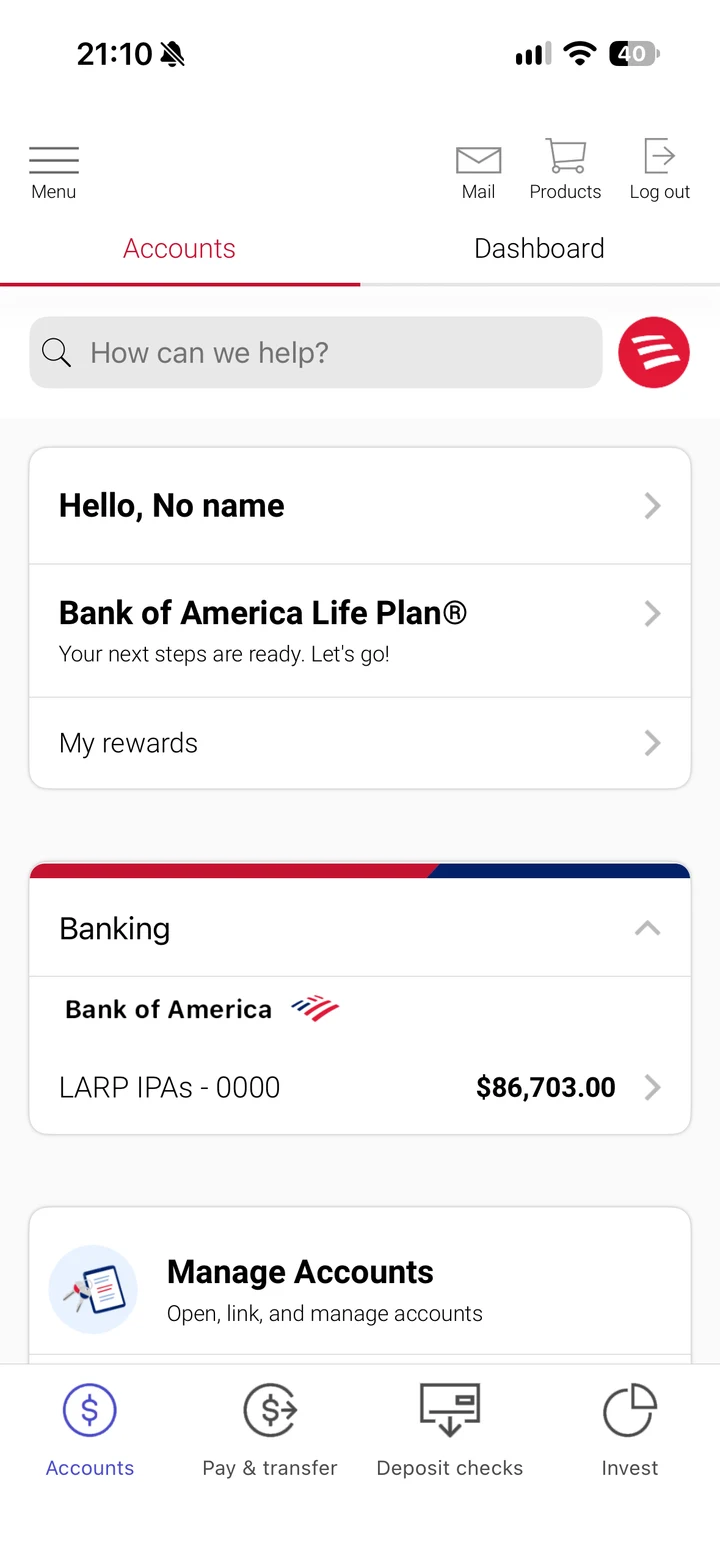
The overview emphasizes account navigation rather than a single balance. A visible bank-account row shows zero accounts in the captured state; populated-account behavior has not been verified here.

  • The preview shows an Accounts area with bank and external-account rows.
  • A Snapshot panel displays a weekly-spending summary.
  • Cards, checking, savings and business-account tiles appear beneath the account list.

These observations describe the supplied reference and package review. They do not promise that every visible button works or that the app connects to the named service.

Package version and device requirements

Metadata read from the current downloadable archive
PackageChase.ipa
Declared version / build1.0 / 1
Declared minimum iOS10.0
Declared device familyiPhone, iPad
Archive size12.50 MiB

Declared requirements are not a tested-device compatibility list. An iOS minimum does not guarantee operation on every later version. Package version labels are not release dates or official app-store versions.

How do I install this app?

  1. Compare the library access plans. Access covers the available collection, rather than a separate purchase price for this app.
  2. Use your license in My downloads to obtain Chase.ipa.
  3. Check the package requirements above, then follow the download and installation steps.
  4. Sign the IPA using your own supported workflow. A device signing certificate is a separate service.

What should I check if it will not open?

Compare your iOS version with the declared minimum, check certificate/profile validity and record the installer's exact error. The IPA troubleshooting guide separates license, download, signing and launch problems. Do not enter real banking credentials or wallet recovery phrases into an entertainment build.

For a device-specific check, send support the package name, iOS version and signing tool. Never post license keys or certificate passwords publicly.

Related entertainment apps

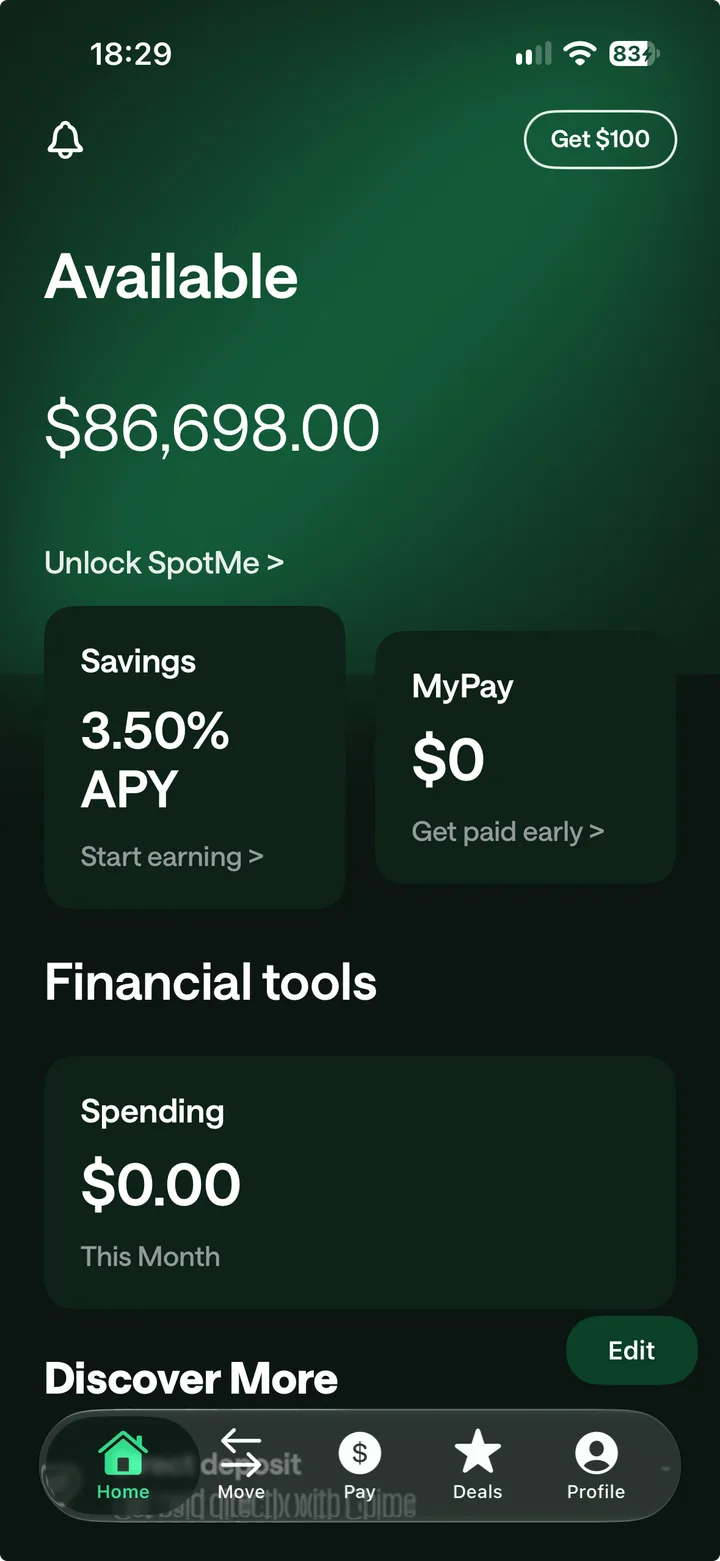
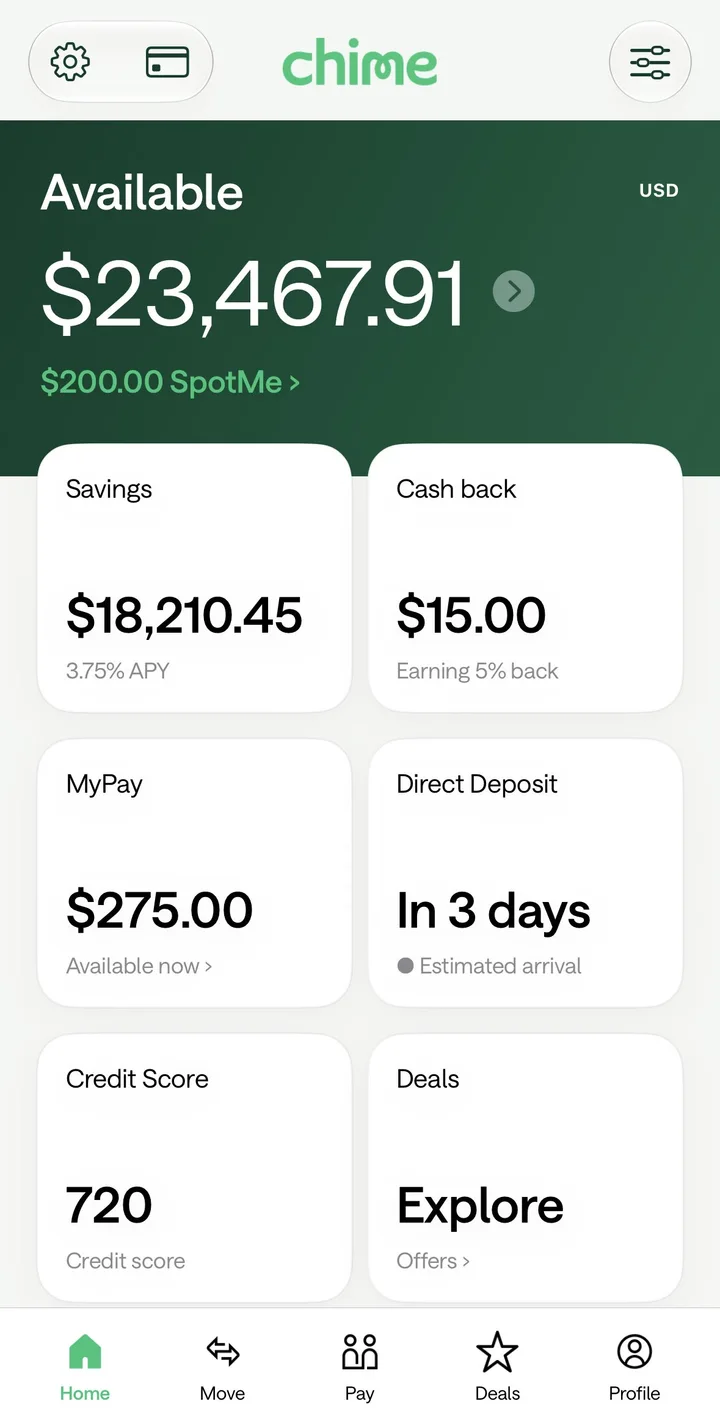
Chime

Chime.ipa

iOS 17.0+ · Signing required

In the libraryIPA
View app ↗

Browse the complete IPA library

LARP IPAs ACCESS

Choose library access.

One license for the available IPA collection and Studio’s 40 supported app families, saved profiles and labelled PNG exports.

Choose your access plan
  • 40 Studio app families
  • Profiles saved under your license
  • Labelled PNG exports
  • Protected IPA downloads

Monthly automatically renews at $8.99 per month until canceled in Manage Subscription. Cancellation stops future renewal and preserves paid access until it expires. The 30-day and lifetime plans are one-time payments.

Your license key is delivered by email. Studio uses fictional data with no financial connections.
OPTIONAL ADD-ON

Need a signing certificate?

Add a personal signing package for your iPhone or iPad. Pay for it together with your Larp IPAs Access.

One device · 365 days40-day replacement warranty
Email delivery after order processing
Loading…

The certificate is a one-time purchase.

MONTHLY ACCESS

Verify your email

We'll send a four-digit code so your license reaches the right inbox.