
My BMW setup guide
The My BMW library entry is a downloadable text guide. It points to the official My BMW app and describes account setup and the add-vehicle menu. It is not an IPA, a modified BMW app or a vehicle-access service.
What is in the download?
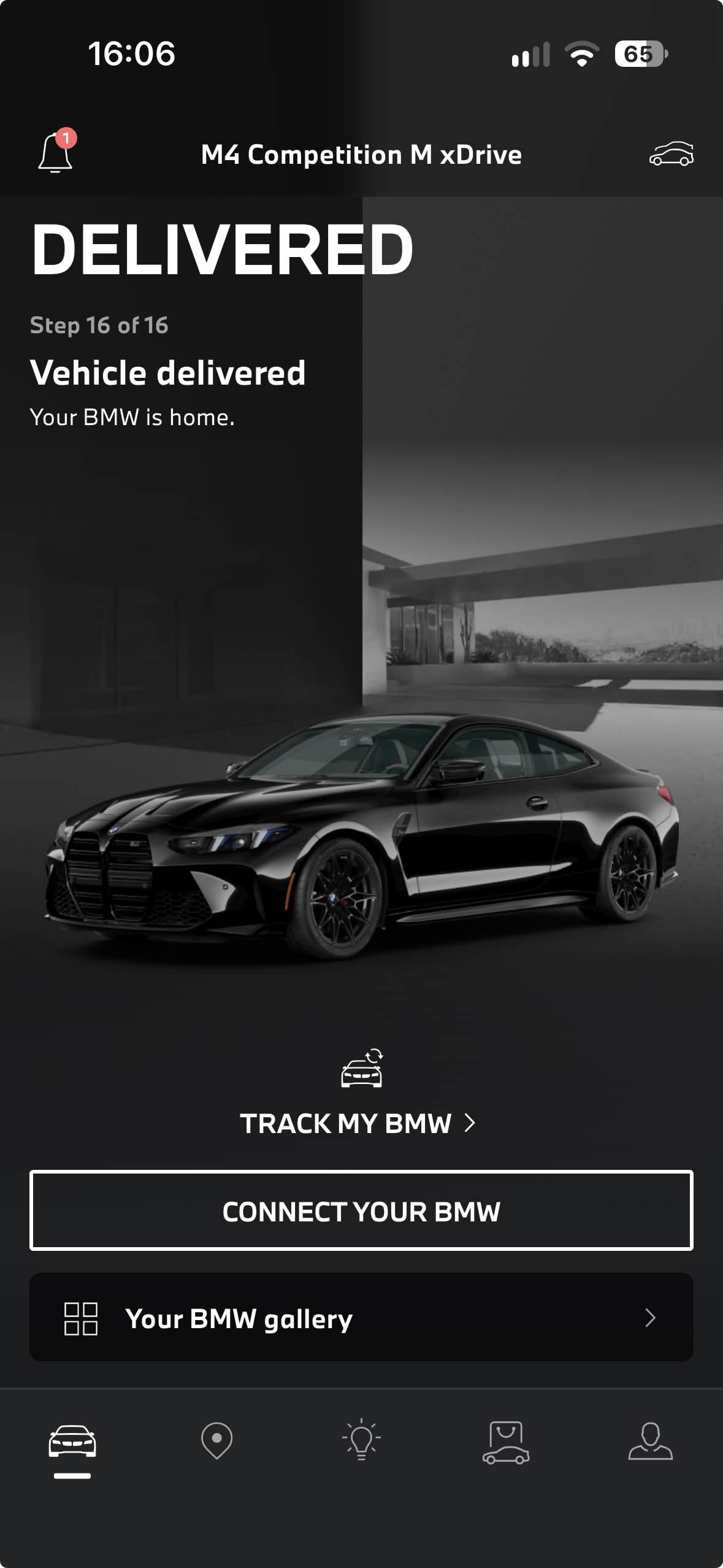
My_BMW.txt contains a link to the official app, short account-creation instructions and notes about locating the vehicle icon and Add Vehicle screen. It also lists vehicle identifiers grouped under model labels including i8, M5, M8, i7 and M4 variants.
The listed identifiers have not been verified as belonging to the purchaser. Their presence in the file does not establish ownership, permission, vehicle availability or successful account linking. Use only a vehicle you own or are authorized to manage and complete BMW's required verification.
Do I need to sign or install an IPA?
No. This item is a .txt document that opens in a text viewer. The app itself is obtained separately through its official store listing; an IPA signing certificate is not required to read this guide.
How do I get the guide?
After purchasing library access, verify your license in My downloads and select My BMW. Save the text file and open it on your phone or computer. Compare the library plans for current prices and billing terms.
Does the guide unlock a vehicle or remote features?
No such capability is promised. A text guide does not grant ownership, keys, remote control or access to a BMW account. The official app determines available features and verification requirements.
LARP IPAs is not affiliated with BMW. For a missing library download, use LARP IPAs support. For the app or vehicle-account verification, use BMW's official support.
Browse the full library · View the separate Mercedes Benz USA IPA preview