
PayPal
PayPal.ipaiOS 17.6+ · Signing required
Cash App entertainment build with fictional balance and activity screens, Pay themes and card design presets.
Fictional screens for staged scenes. Not the official app; no real funds or payments.
This build provides Cash App-style amount-entry, balance, activity and card design screens for staged creative work. Displayed amounts and transactions are fictional and are not real financial records.
These observations describe the supplied reference and package review. They do not promise that every visible button works or that the app connects to the named service.
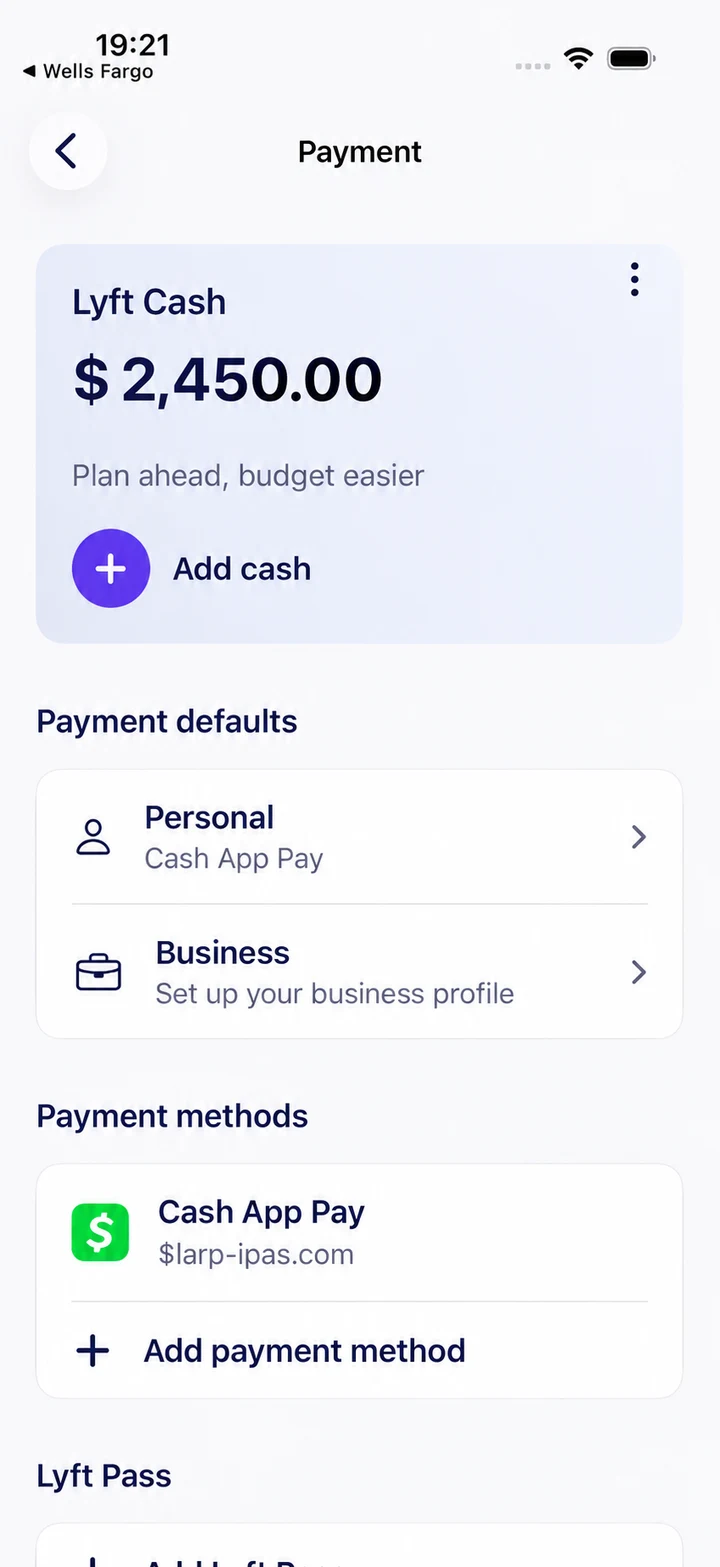
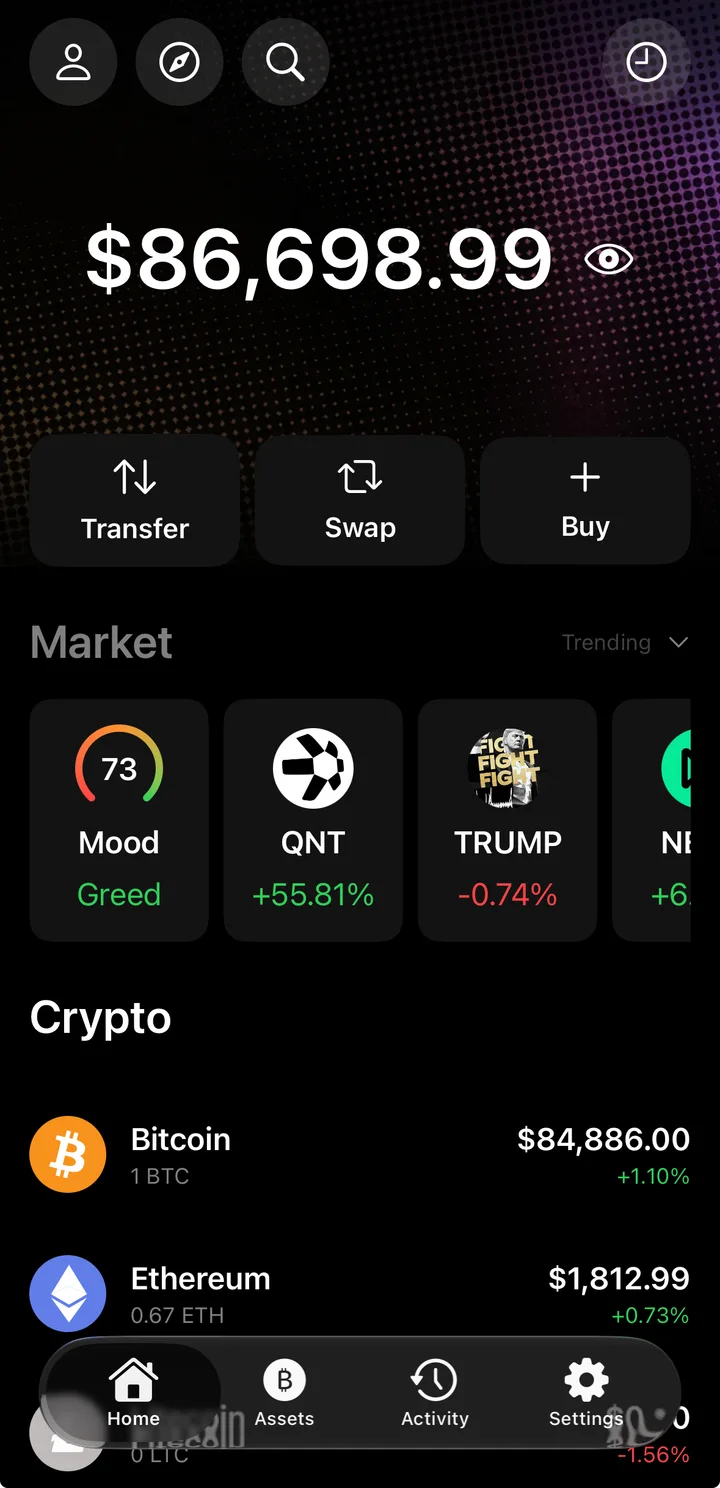
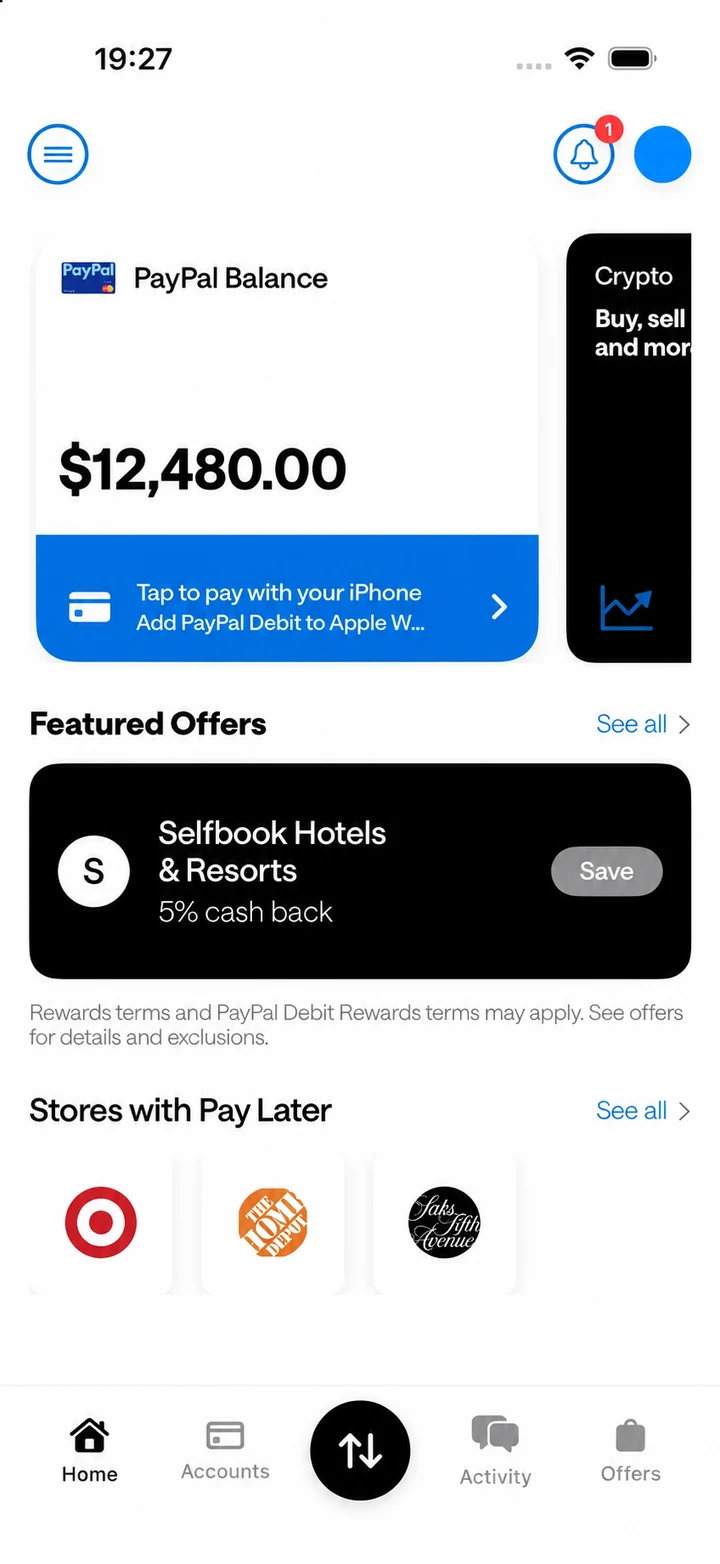
The home screen brings together the displayed cash balance, card artwork, savings panel and account-style controls. Use fictional values and profile details to prepare a scene for a sketch, film or UI reference. The supplied screenshots show both the balance overview and an add-money confirmation, including a staged notification banner.
Profile settings include the display name and cashtag, while the card editor provides a separate cardholder field. These details let you give the screen a consistent fictional identity across the profile and card views.
The Create menu includes purchase and sent / received transaction options. It also shows tools for selecting multiple entries, generating random transactions and generating activity in bulk by store. Account-aging and clear-all controls are available in the same menu.
The activity preview shows merchant names, amounts, dates and payment-method labels in a Cash App-style feed. Together, these screens provide options for preparing fictional account activity around a scene. The screenshots document the interface; they do not verify every editing option or persistence behavior.
Pay themes change the appearance of the amount-entry screen, including its background and keypad presentation. Card designs have their own picker, so choosing a Pay theme and choosing card artwork are separate steps.
The card picker shown here includes dark, patterned, gradient and bright-color presets. The screenshots also show a patterned card applied to the balance screen. Use the existing presets to coordinate the card with your fictional profile; custom image uploads have not been confirmed for this package.
The bank selection preview lists Bank of America, Chase, Wells Fargo, Citi Bank, Capital One, PNC, Truist and American Express. A separate American Express screen shows the card artwork before selection. These are visual elements of the entertainment build, rather than evidence that a bank account or payment card has been connected.
All seven images on this page were supplied for the current build. They cover the balance overview, add-money confirmation, card presets, bank selection, American Express card preview, transaction tools and activity feed. Displayed values are staged examples and can differ from the initial app defaults.
| Package | CashApp.ipa |
|---|---|
| Declared version / build | 16.0 / 1 |
| Declared minimum iOS | 18.0 |
| Declared device family | iPhone, iPad |
| Archive size | 97.17 MiB |
Declared requirements are not a tested-device compatibility list. An iOS minimum does not guarantee operation on every later version. Package version labels are not release dates or official app-store versions.
Open LARP IPA Signer and select Cash App from the library after verifying your license. Signing requires a compatible certificate and provisioning profile.
Compare your iOS version with the declared minimum, check certificate/profile validity and record the installer's exact error. The IPA troubleshooting guide separates license, download, signing and launch problems. Do not enter real banking credentials or wallet recovery phrases into an entertainment build.
For a device-specific check, send support the package name, iOS version and signing tool. Never post license keys or certificate passwords publicly.
iOS 17.6+ · Signing required

iOS 17.6+ · Signing required

iOS 17.0+ · Signing required